Home security · for houses with grounds
A small drone that goes to look when a stranger walks into your grounds
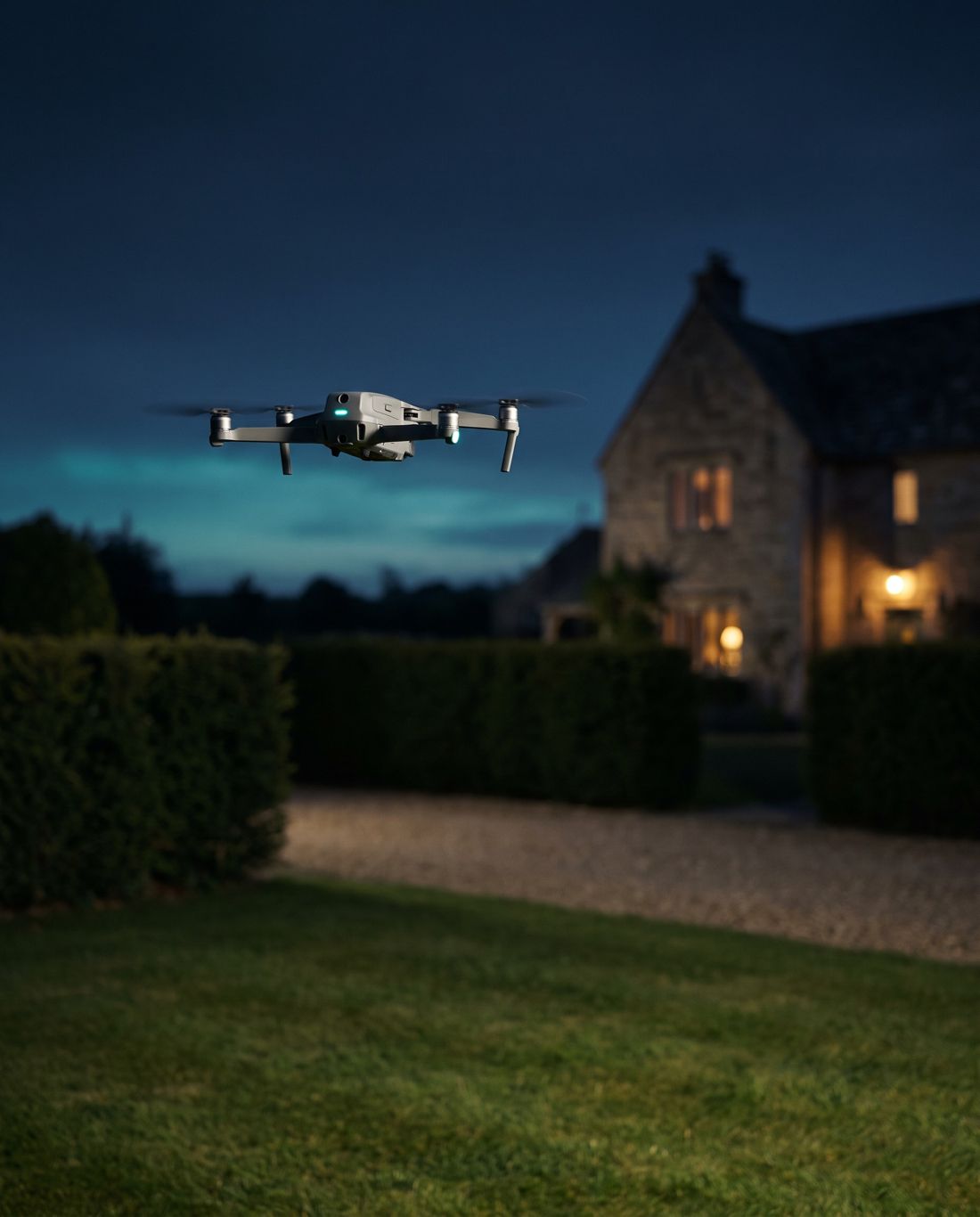
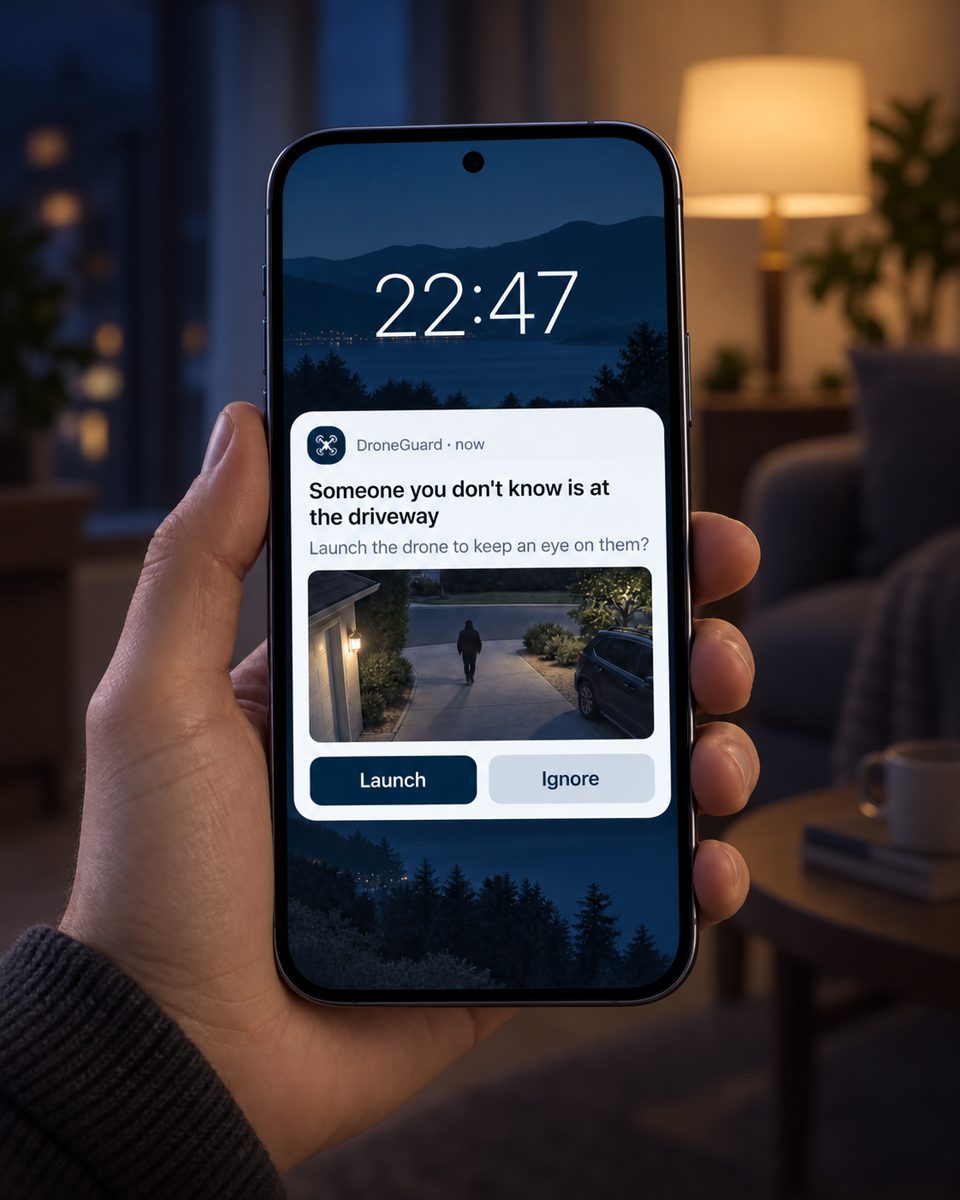
DroneGuard connects your UniFi or Hikvision cameras to a DJI Mini 4 Pro drone. When a camera sees a face it doesn’t recognise, your phone asks whether to launch. One tap, and the drone flies to the spot, keeps the person in view from a safe distance, then flies home and lands by itself.
You stay in charge: it never takes off without your say-so, it never leaves your land, and family faces are ignored.
What you see
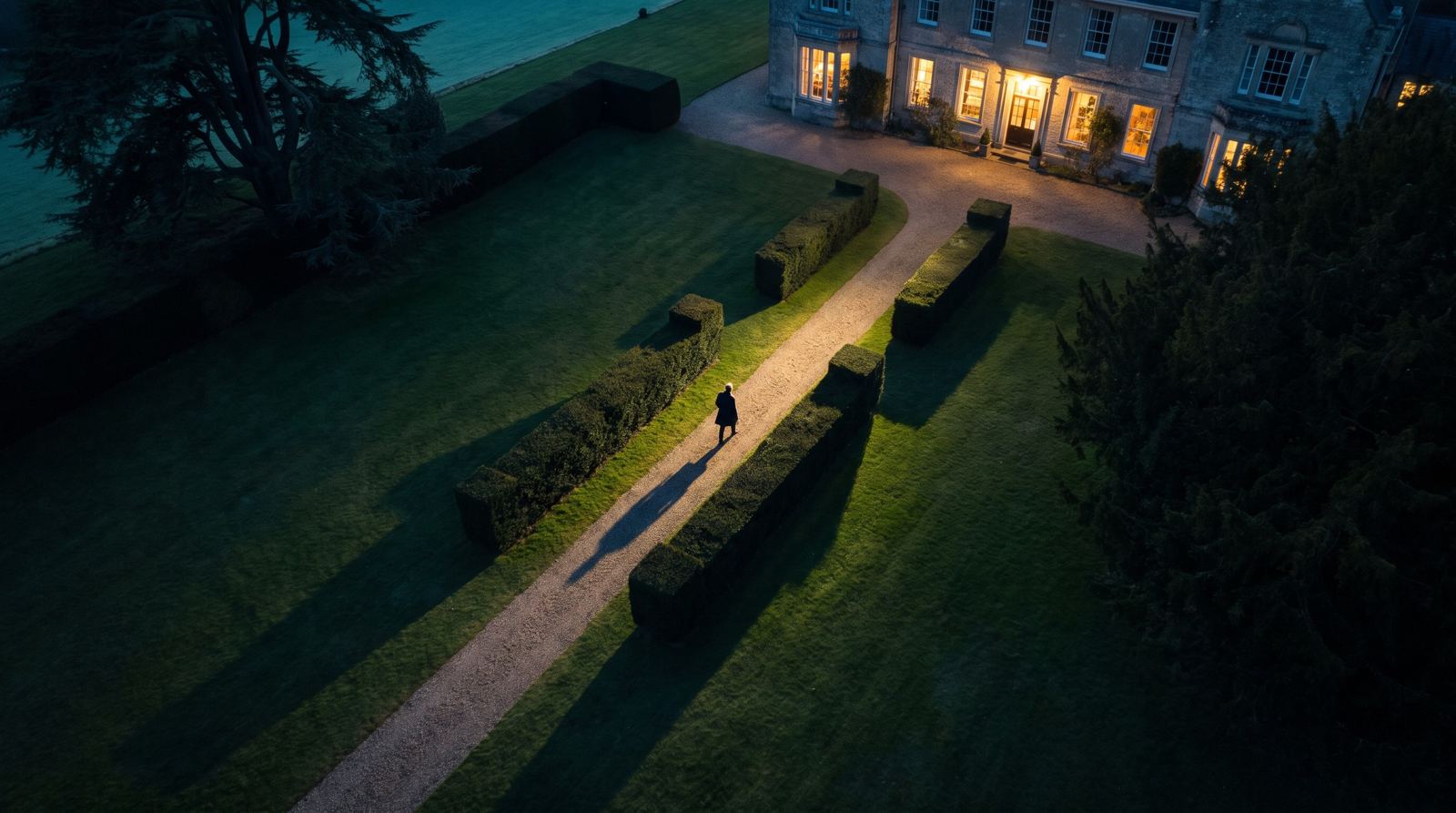
You decide from your phone, then see your grounds from above
The alert is the only thing you have to deal with. Once the drone is up, the live picture shows on the controller at home, so you can see who is there and where they go.
How it works
From a stranger at the gate to the drone back on its pad, in five steps
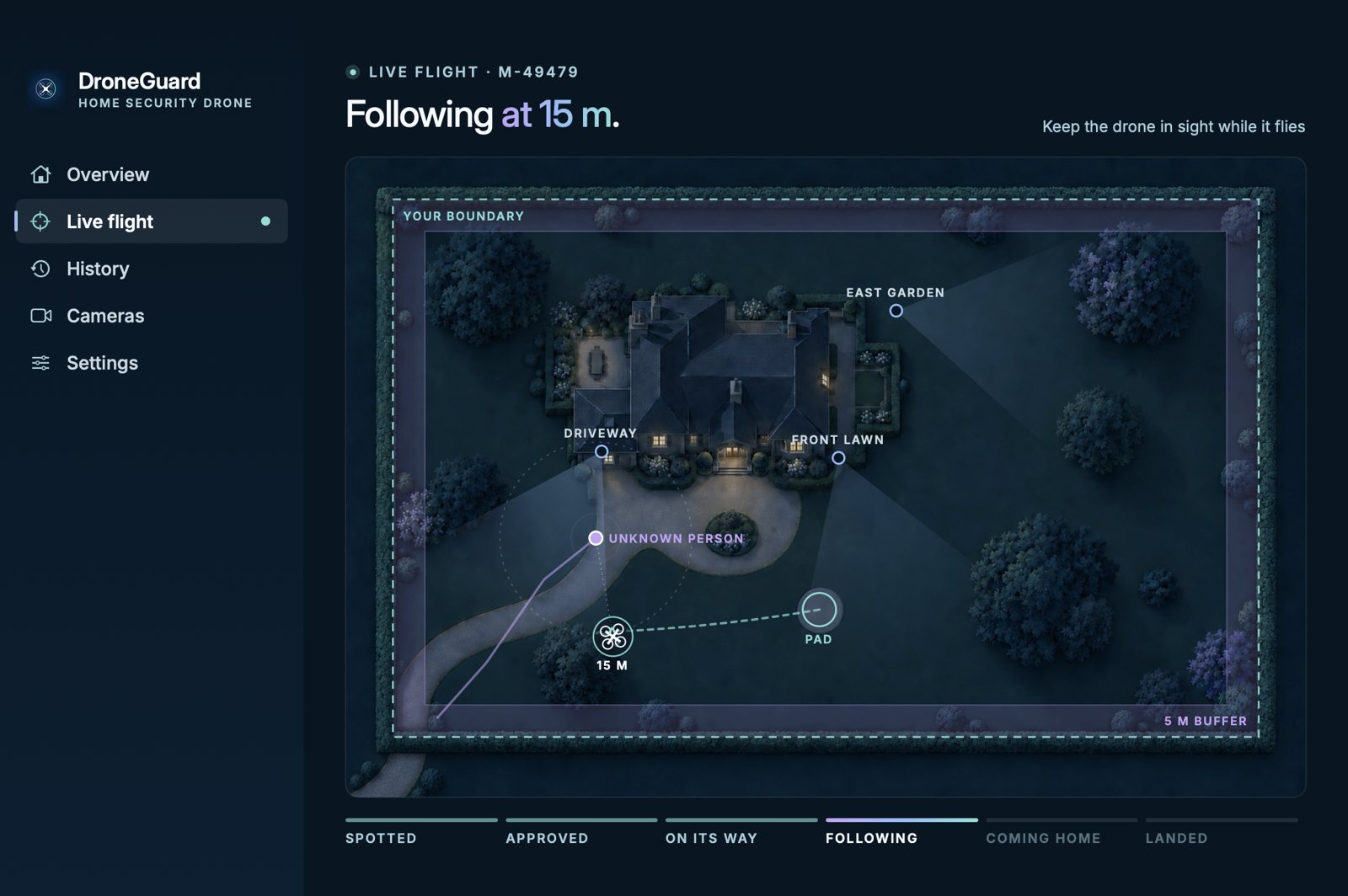
The plan below shows a typical evening. Pick any step to see that moment, or let it play.
What you need
DroneGuard is the software. The hardware is familiar and easy to buy.
If you already have UniFi or Hikvision cameras, you have half of this. The drone kit costs roughly £700 to £850 in total.
Comes with DroneGuard
- DroneGuard for MacListens to your cameras, sends the alert and guides the drone. Runs quietly in the background.included
- DroneGuard LinkA small app for an Android phone that clips onto the drone’s controller and passes on instructions.included
- Boundary set-upTrace your grounds on a map once. The drone will never cross that line.included
- Alerts on your iPhoneThrough the free ntfy app, with Launch and Ignore buttons on the lock screen.free
You provide
- DJI Mini 4 Pro droneWith the standard RC-N2 controller, the one that holds a phone. Spare batteries are worth having.£600–700
- A spare Android phoneLives on the controller at home, switched on and charging. An inexpensive one is fine.£100–150
- UniFi or Hikvision camerasUniFi Protect, or Hikvision cameras and recorders (the Hik-Connect app). With face recognition switched on, covering the ways into your grounds.if you have them
- A Mac that stays on at homeOn your home Wi-Fi. A Mac mini is ideal.if you have one
- A landing spotA flat patch with open sky above, close to the house.—
Download
Get the DroneGuard app for your computer
The app is where you arm the system, approve launches, watch each flight and look back at past alerts. It includes a demo mode that simulates the drone, the cameras and your grounds, so you can try it before your drone arrives.
DroneGuard for Mac
Open the download and drag DroneGuard into Applications. The app is not yet notarised by Apple, so the first time you open it, right-click DroneGuard in Applications and choose Open.
SHA-256 e8ce7306a4a04b1d8607a8bf850f9e621d1c9d4fa84c506120994c722d142a2c
DroneGuard for Windows
Run the installer and follow the steps. The app is not yet signed, so Windows may say it comes from an unrecognised publisher: choose More info, then Run anyway.
SHA-256 6c2176c5b1e9fa8aaf04e109c32c4865abb23ab9543040fb0909ea622d98b07f
Safety
It keeps to your land, stays above the trees and always comes home
These limits are built in and apply on every flight, whatever the drone is doing.
- It asks first, every time
- Nothing takes off until you tap Launch. If you don’t answer within a minute, the alert expires.
- It never leaves your land
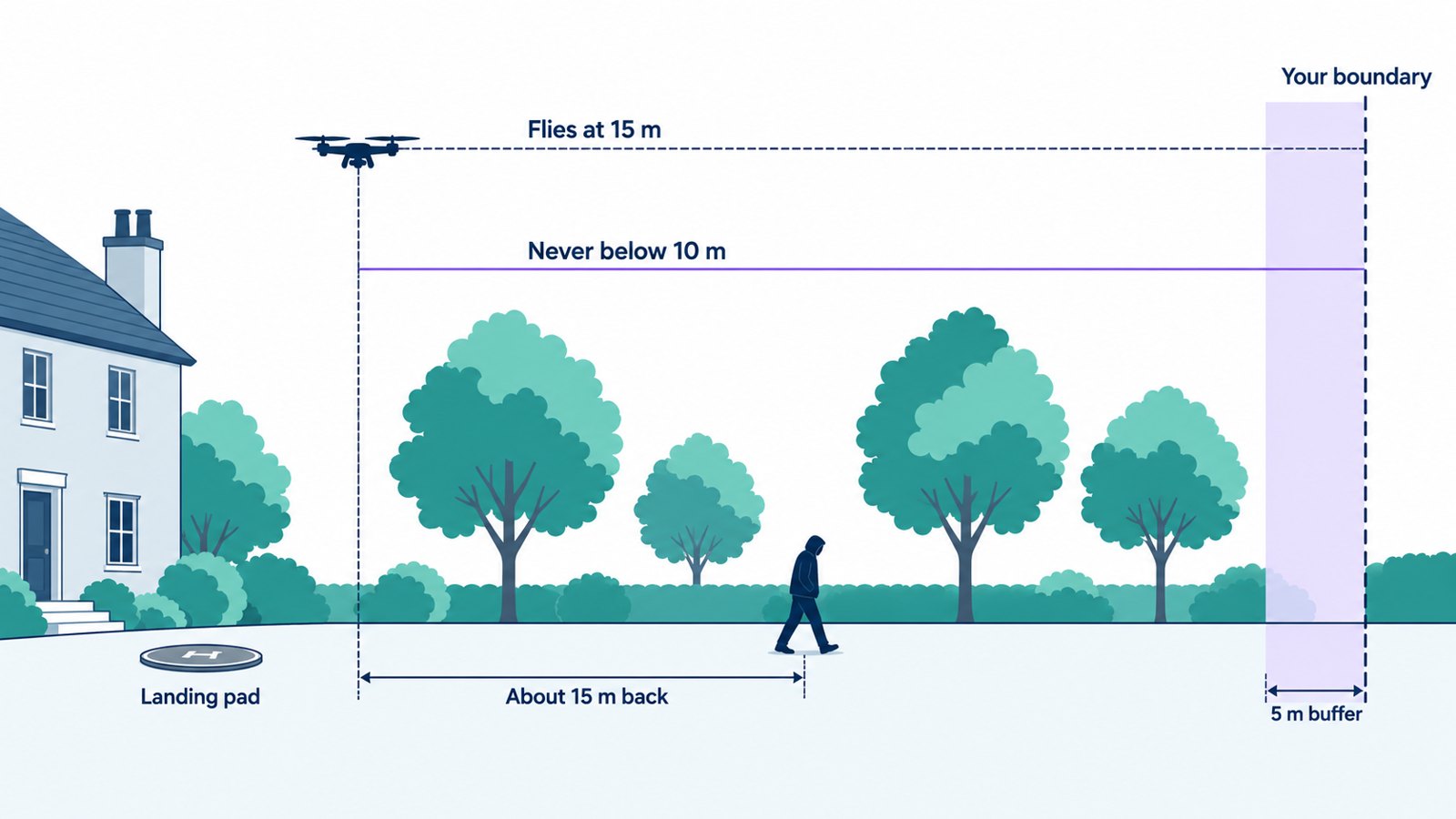
- It keeps at least 5 metres inside your boundary. If someone walks off your land, the drone stops at the fence and lets them go.
- It stays above the trees
- It flies at 15 metres and never drops below 10 metres while following.
- It comes home by itself
- On low battery, after five minutes, if it loses sight of the person, or when they’ve left your grounds.
- You can call it back at any moment
- One tap on your phone, or simply move the sticks on the controller and you’re flying it yourself.
- Family and friends are left alone
- Anyone you’ve saved in your cameras’ face recognition is ignored, along with the rest of that camera’s alerts for a short while.
The rules in the UK
Flying a camera drone at home is legal, with a few sensible conditions
Keep it in sight
You need to be able to see the drone while it flies. That’s why DroneGuard asks you before every launch rather than flying on its own while you’re away.
Register once
The Civil Aviation Authority asks for an Operator ID (a small yearly fee) and a Flyer ID (a free online test). Both take an evening.
Respect your neighbours
The drone stays over your own land. Point your cameras at your own grounds too, as face recognition counts as personal data.
Is it for you?
Five quick questions to see whether DroneGuard suits your home
Questions
Things people usually ask
Which cameras does it work with?
UniFi Protect cameras, and Hikvision cameras and recorders, the ones you see in the Hik-Connect app. You can mix the two. DroneGuard listens to them over your home network, so nothing goes through the cloud. For Hikvision, telling family from strangers needs a camera or recorder with face comparison; without it, DroneGuard can still react to any person during the hours you choose.
Will it fly by itself while I’m away?
No. UK rules require someone to be able to see the drone, so DroneGuard always asks first. When you’re away, your cameras still record and alert you as normal.
What if the Wi-Fi drops mid-flight?
The drone holds its position, then returns home using DJI’s own return-to-home. You can also take over with the controller at any time.
Will it chase someone down the road?
No. It stops at your boundary, waits briefly in case they come back, then flies home.
Does it set off for cats, foxes or deer?
No. It only reacts to people, and only to faces your cameras don’t recognise.
Why the Mini 4 Pro and not a newer DJI drone?
DroneGuard needs DJI’s developer access to fly the drone, and the Mini 4 Pro is the newest small DJI drone that offers it. Newer models can be added if DJI opens them up.